

Pocket-Sized Display Device
Price range: $39.99 through $118.99
Kaleia Non-Invasive Glucose Monitor
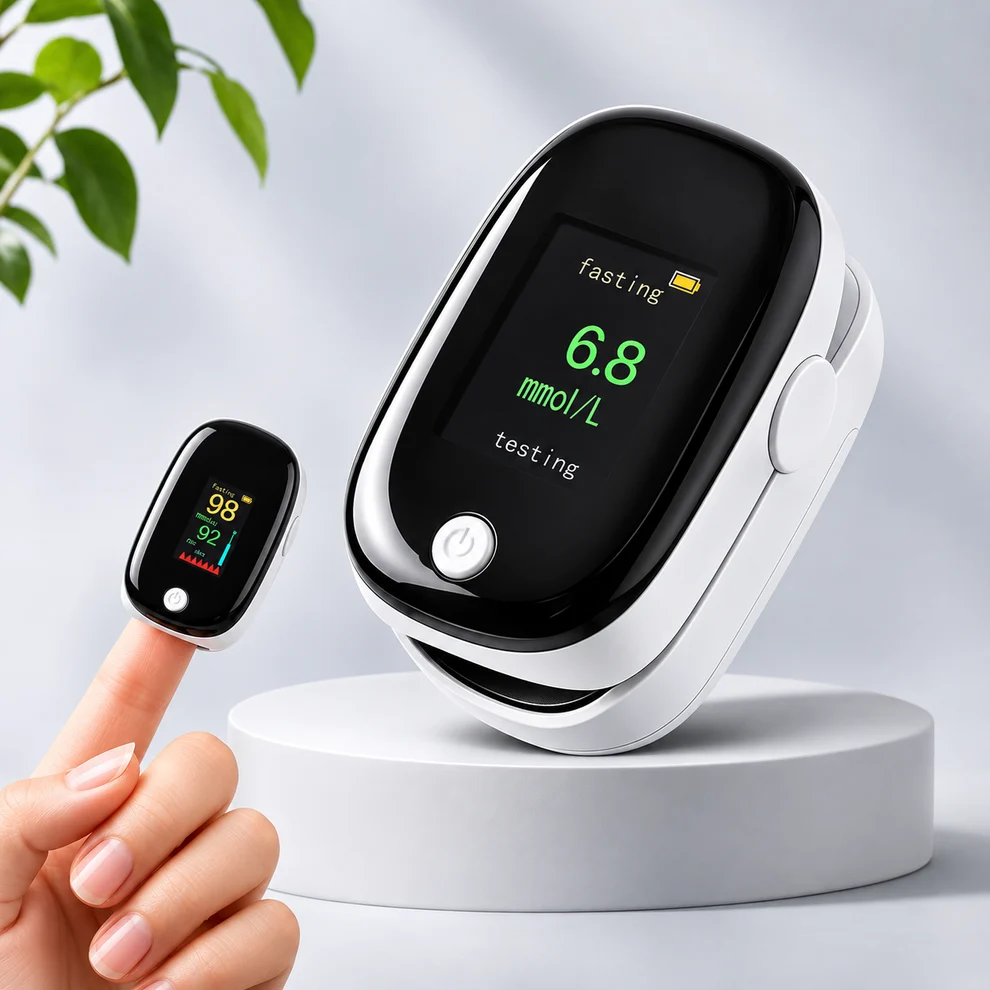
Kaleia Non-Invasive Glucose Monitor combines an OLED screen with a compact fingertip sensor. Its glucose accuracy is not established for medical use.
We appreciate your interest in shopping here and warmly invite you to place your order, with a sincere welcome and thanks from us. Kaleia Non-Invasive Glucose Monitor pairs a compact fingertip sensor with an OLED display for viewing readings directly on the device. Its lightweight format makes it practical to carry in a pocket or bag and use at home.
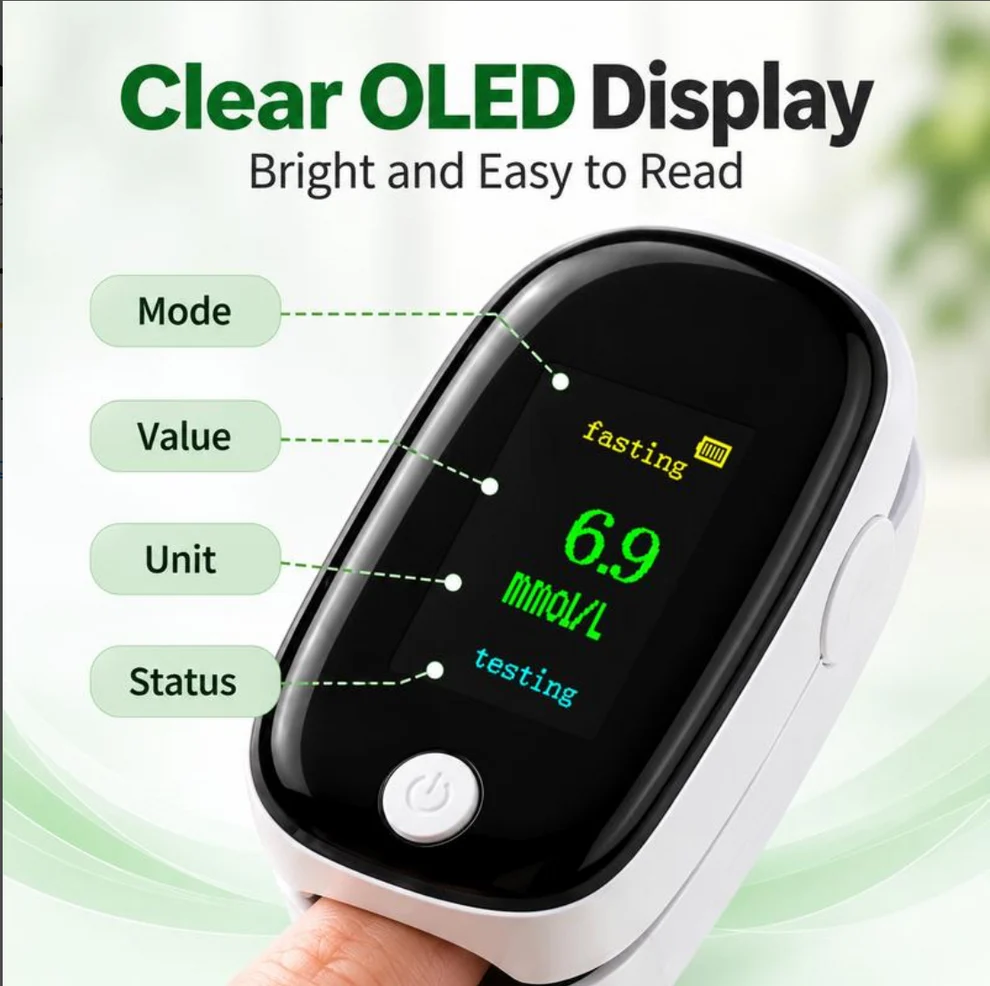
OLED Display With Visible Reading Details
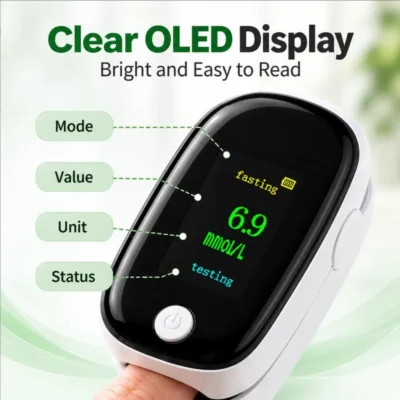
The OLED screen presents measurement values, units and device status together. This gives you more context than a number alone and helps you identify the information being displayed during a check.
Blood oxygen saturation, shown as SpO₂, is among the listed parameters. Read the associated label and unit whenever you view a result, particularly when moving between different displayed values.
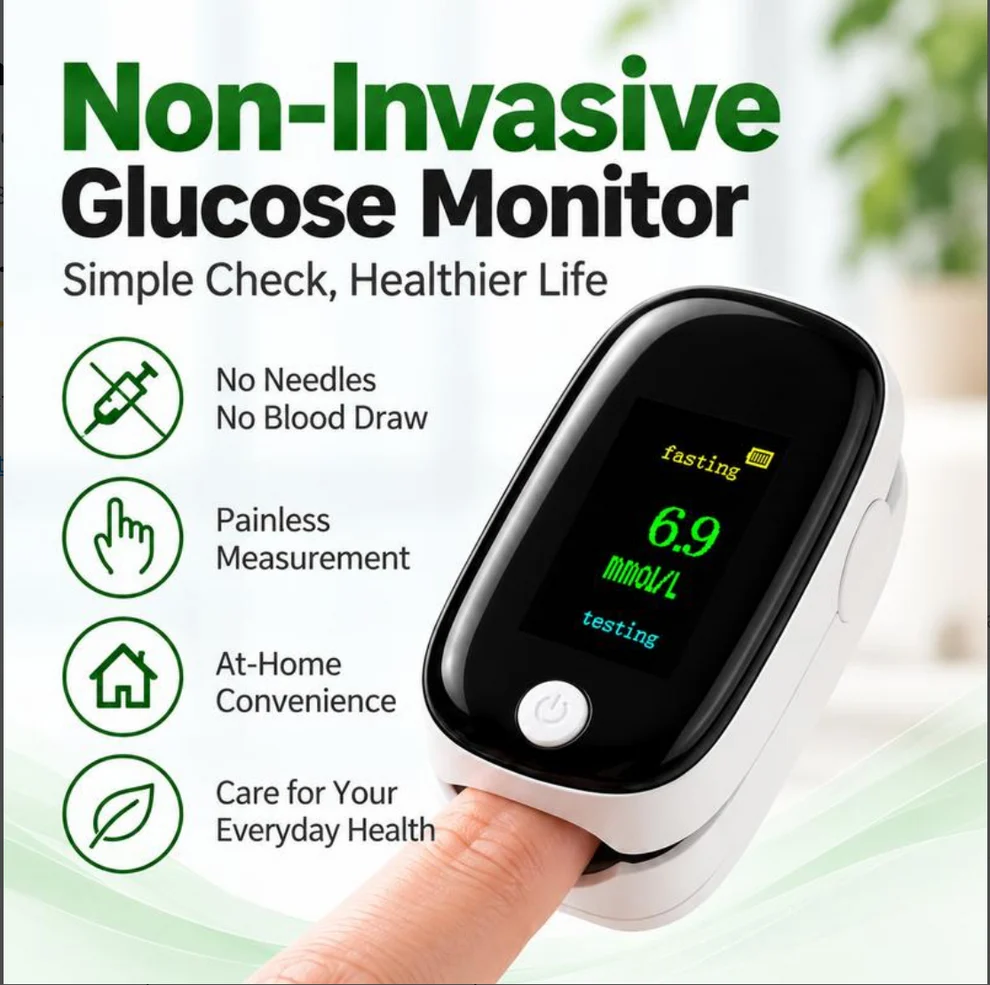
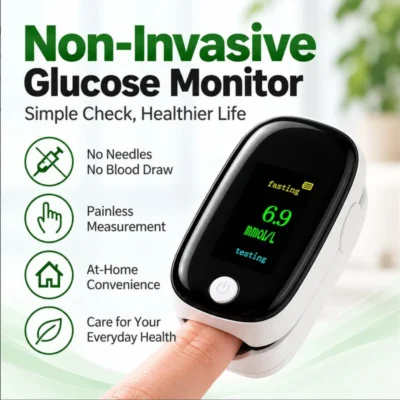
The device is presented for fingertip monitoring, with the reading appearing on its built-in screen. You can view the result where the check takes place, without transferring a blood sample onto a separate testing surface.
Simple Fingertip Placement
Kaleia Non-Invasive Glucose Monitor uses a finger opening and power control. Turn on the device, gently place your fingertip inside the sensor area and keep your hand still while the display updates.
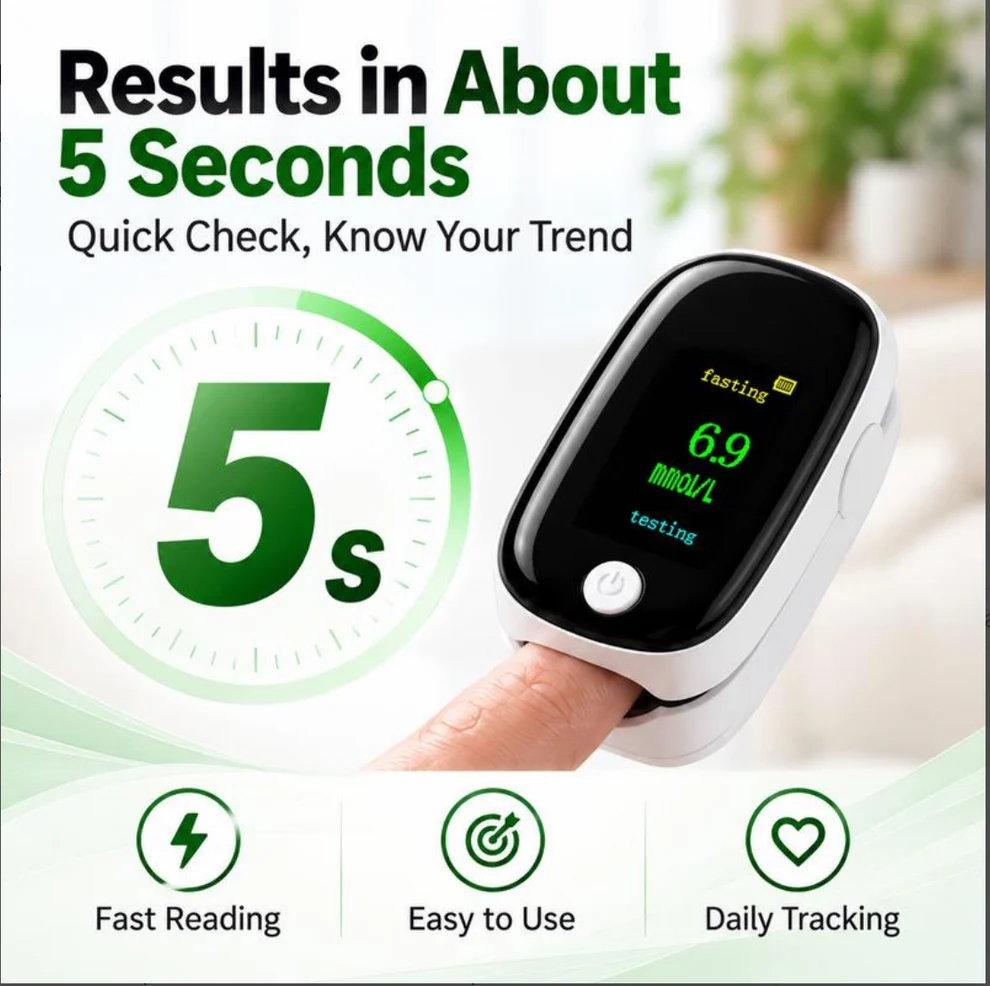
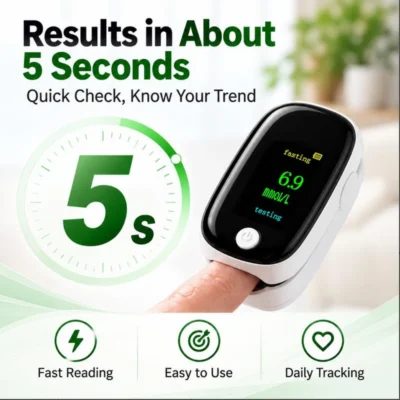
The directions describe allowing approximately five seconds for a reading to stabilise. Wait for a settled display before reading the value, and follow the supplied instructions if positioning needs adjustment. Check positioning before repeating an attempt.
The finger-contact format does not require puncturing the skin to operate the sensor. This describes how the device is used; it does not establish the accuracy of every parameter shown.
Portable Format And Monitoring Limits
The small housing keeps the sensor and display together in one portable unit. Its low-bulk design is convenient when you want to put the device away between checks or bring it with you.
Although marketed for glucose readings, the supplied information does not establish validated glucose accuracy. Continue prescribed glucose testing and do not adjust insulin or medication using this device’s results. Seek professional guidance for medical monitoring decisions.
Frequently Asked Questions
What Screen Does It Have?
An OLED screen showing values, units and device status.
Where Is The Finger Placed?
Inside the sensor opening, following the supplied directions.
Is It Portable?
Yes. Kaleia Non-Invasive Glucose Monitor has a compact, lightweight design.
Should I Keep My Hand Still?
Yes. Keep the finger still while waiting for the display to stabilise.
Which Oxygen Parameter Is Listed?
Blood oxygen saturation, identified as SpO₂.
| Bundle & Save | Buy 1 – Great Choice, Buy 2 – Smart Choice, Buy 3 – Best Offer |
|---|
